Skip to content
  • Categories
  • Recent
  • Tags
  • Popular
  • Users
  • Groups
Skins
  • Light
  • Cerulean
  • Cosmo
  • Flatly
  • Journal
  • Litera
  • Lumen
  • Lux
  • Materia
  • Minty
  • Morph
  • Pulse
  • Sandstone
  • Simplex
  • Sketchy
  • Spacelab
  • United
  • Yeti
  • Zephyr
  • Dark
  • Cyborg
  • Darkly
  • Quartz
  • Slate
  • Solar
  • Superhero
  • Vapor

  • Default (Darkly)
  • No Skin
Collapse
Electric Airhip Forums

Electric Airship Forums

  1. Home
  2. Show Off!
  3. Show Your Games
  4. Puella Magi Unite

Puella Magi Unite

Scheduled Pinned Locked Moved Show Your Games
24 Posts 2 Posters 1.0k Views
  • Oldest to Newest
  • Newest to Oldest
  • Most Votes
Reply
  • Reply as topic
Log in to reply
This topic has been deleted. Only users with topic management privileges can see it.
  • M Online
    M Online
    Master of Magi
    wrote on last edited by
    #12

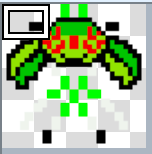
    Okay, @DecentTreatment, I have question. How do I make a Sprite image bigger? I tried to make a 96x 96 sprite for Pistis but it just only lets me capture a single bit of it.

    1 Reply Last reply
    0
    • M Online
      M Online
      Master of Magi
      wrote on last edited by
      #13

      Screenshot_2026-06-22_at_9.30.31_PM.png

      1 Reply Last reply
      0
      • DecentTreatmentD Offline
        DecentTreatmentD Offline
        DecentTreatment
        wrote on last edited by
        #14

        to get your desired result, you'd want the sprite to be in the upper left corner of a 288*384 image

        THANK YOU SO MUCH FOR JOINING OUR FORUMS!!!!!!!!

        1 Reply Last reply
        0
        • M Online
          M Online
          Master of Magi
          wrote last edited by
          #15

          Can I do that with only one sprite?

          1 Reply Last reply
          1
          • DecentTreatmentD Offline
            DecentTreatmentD Offline
            DecentTreatment
            wrote last edited by
            #16

            yeah just set that as the selected sprite and select 'stepping animation' and 'walking animation' to off in the event. if its a player character you might have to make it repeat

            THANK YOU SO MUCH FOR JOINING OUR FORUMS!!!!!!!!

            M 1 Reply Last reply
            0
            • M Online
              M Online
              Master of Magi
              wrote last edited by
              #17

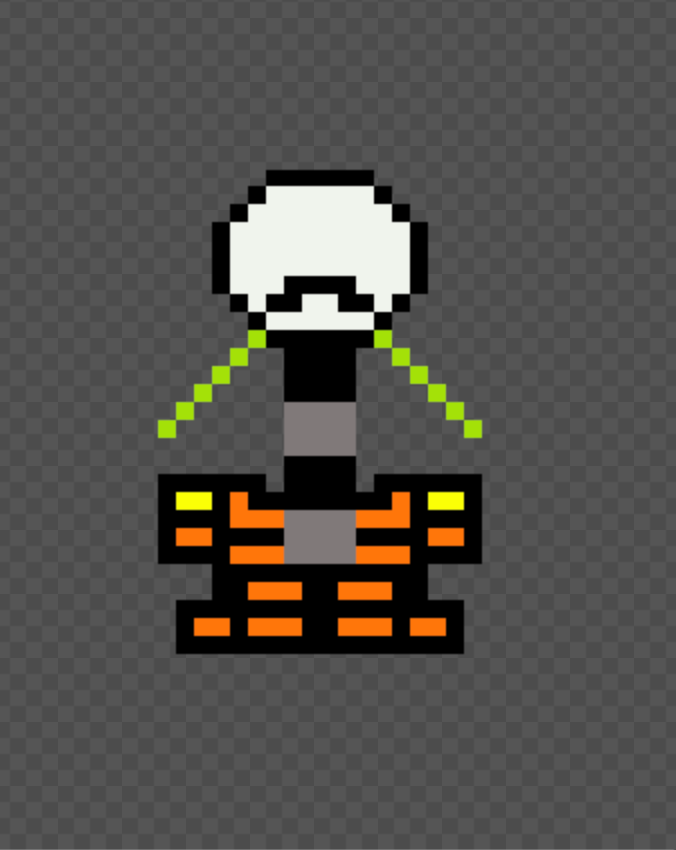
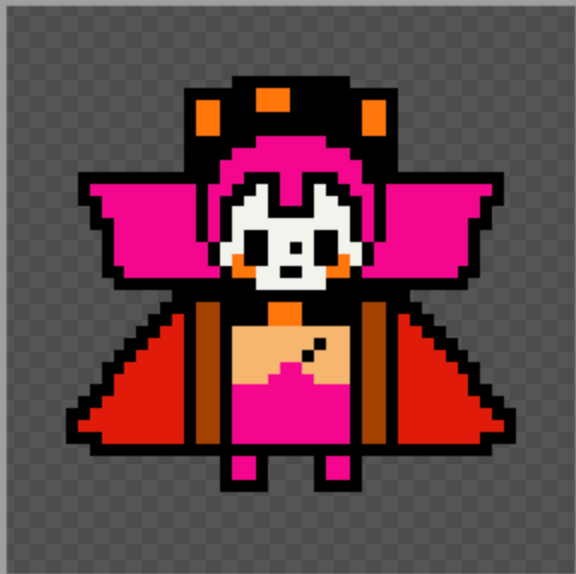
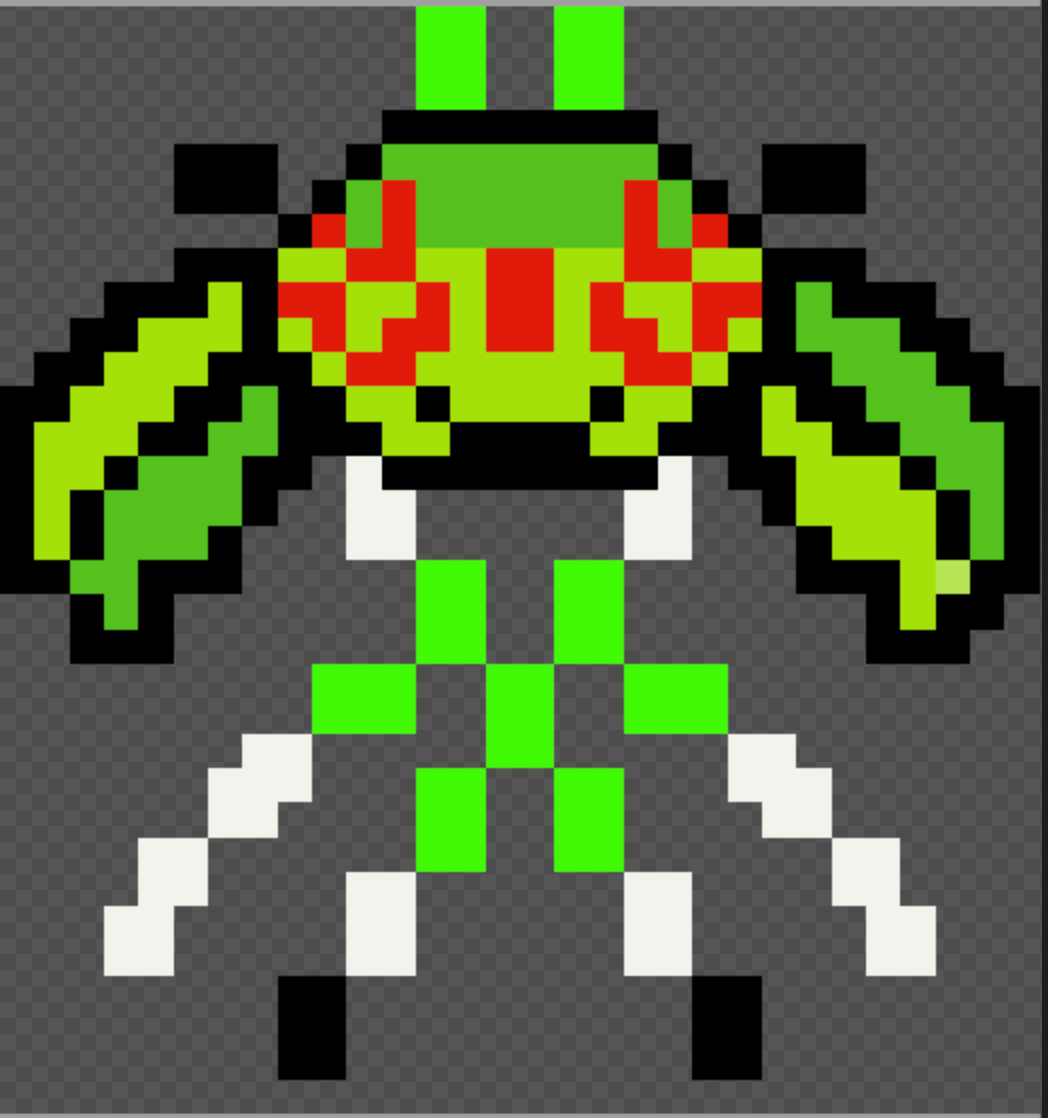
              How do these look?
              Screenshot_2026-07-01_at_5.14.06_PM.png
              Screenshot_2026-06-29_at_8.56.19_PM.png

              1 Reply Last reply
              0
              • DecentTreatmentD DecentTreatment

                yeah just set that as the selected sprite and select 'stepping animation' and 'walking animation' to off in the event. if its a player character you might have to make it repeat

                M Online
                M Online
                Master of Magi
                wrote last edited by
                #18

                @DecentTreatment And does this work if it’s just one sprite? I just want to put the whole thing in there.

                1 Reply Last reply
                0
                • DecentTreatmentD Offline
                  DecentTreatmentD Offline
                  DecentTreatment
                  wrote last edited by
                  #19

                  yes as long as its in the corner like I described you can use this for a stationary event just fine. Wow I love the pink one especially

                  THANK YOU SO MUCH FOR JOINING OUR FORUMS!!!!!!!!

                  1 Reply Last reply
                  0
                  • M Online
                    M Online
                    Master of Magi
                    wrote last edited by
                    #20

                    So it needs to be bigger…

                    1 Reply Last reply
                    0
                    • M Online
                      M Online
                      Master of Magi
                      wrote last edited by
                      #21

                      Hello? Is anyone still here?

                      1 Reply Last reply
                      0
                      • DecentTreatmentD Offline
                        DecentTreatmentD Offline
                        DecentTreatment
                        wrote last edited by DecentTreatment
                        #22

                        Yeah I'm still here! The overall canvas size should be larger, such that one instance of the sprite should only take up the left 1/12 of the screen

                        THANK YOU SO MUCH FOR JOINING OUR FORUMS!!!!!!!!

                        1 Reply Last reply
                        0
                        • M Online
                          M Online
                          Master of Magi
                          wrote last edited by
                          #23

                          Ok. What should it be then?

                          1 Reply Last reply
                          0
                          • M Online
                            M Online
                            Master of Magi
                            wrote last edited by
                            #24

                            What should the size of the sprite be?

                            1 Reply Last reply
                            0
                            Reply
                            • Reply as topic
                            Log in to reply
                            • Oldest to Newest
                            • Newest to Oldest
                            • Most Votes


                            • Login

                            • Don't have an account? Register

                            • Login or register to search.
                            Powered by NodeBB Contributors
                            • First post
                              Last post
                            0
                            • Categories
                            • Recent
                            • Tags
                            • Popular
                            • Users
                            • Groups